BMS Music System
Where to find
The control interface is located at music.bellinghammakerspace.org.
Make sure you're connected to the BMS network: bmswifi1. Access to the music panel is only available to those connected.
How to use
Logging In
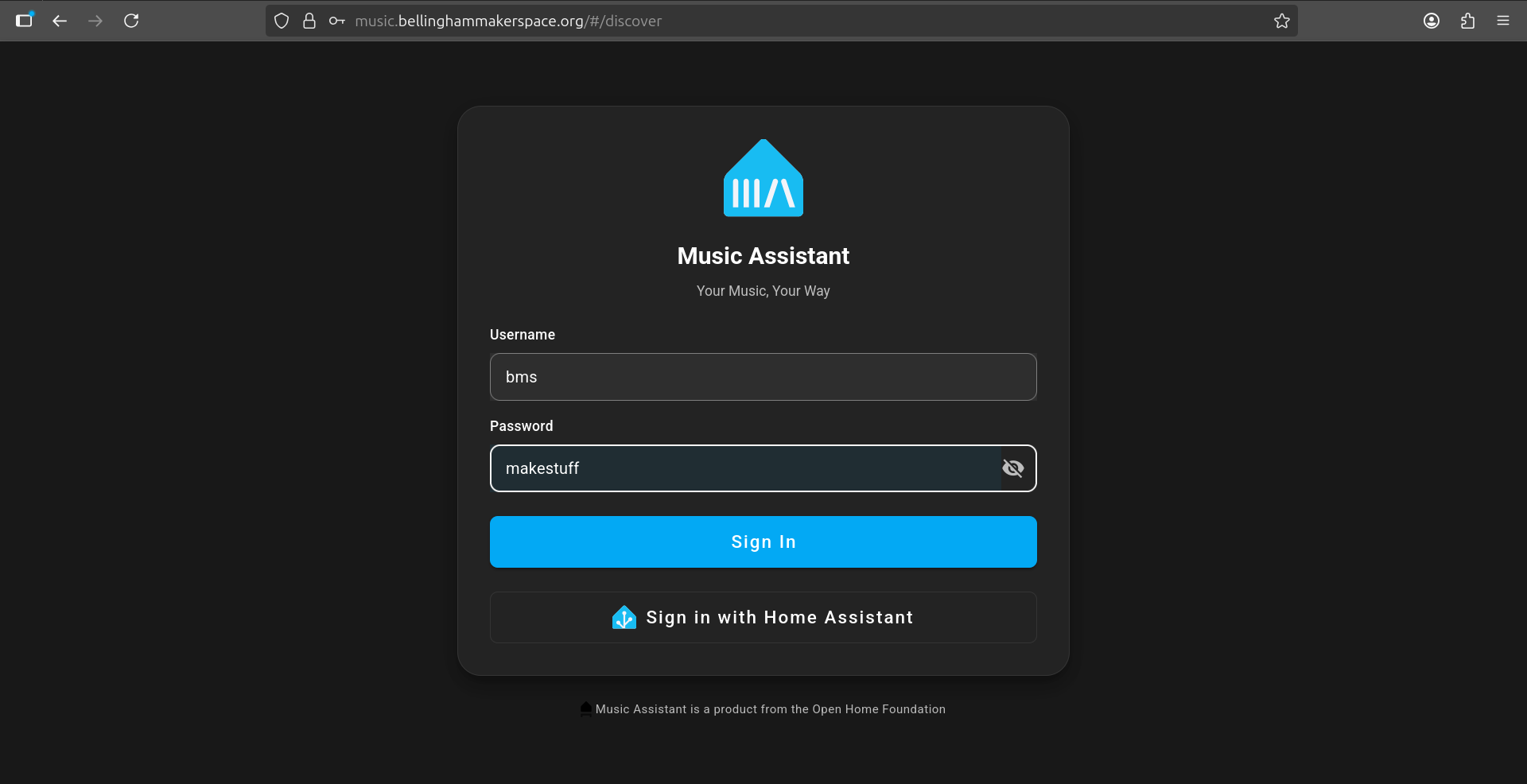
When you first visit the site you will be presented with a login screen. Enter the shared BMS credentials to continue:
- Username: bms
- Password: makestuff
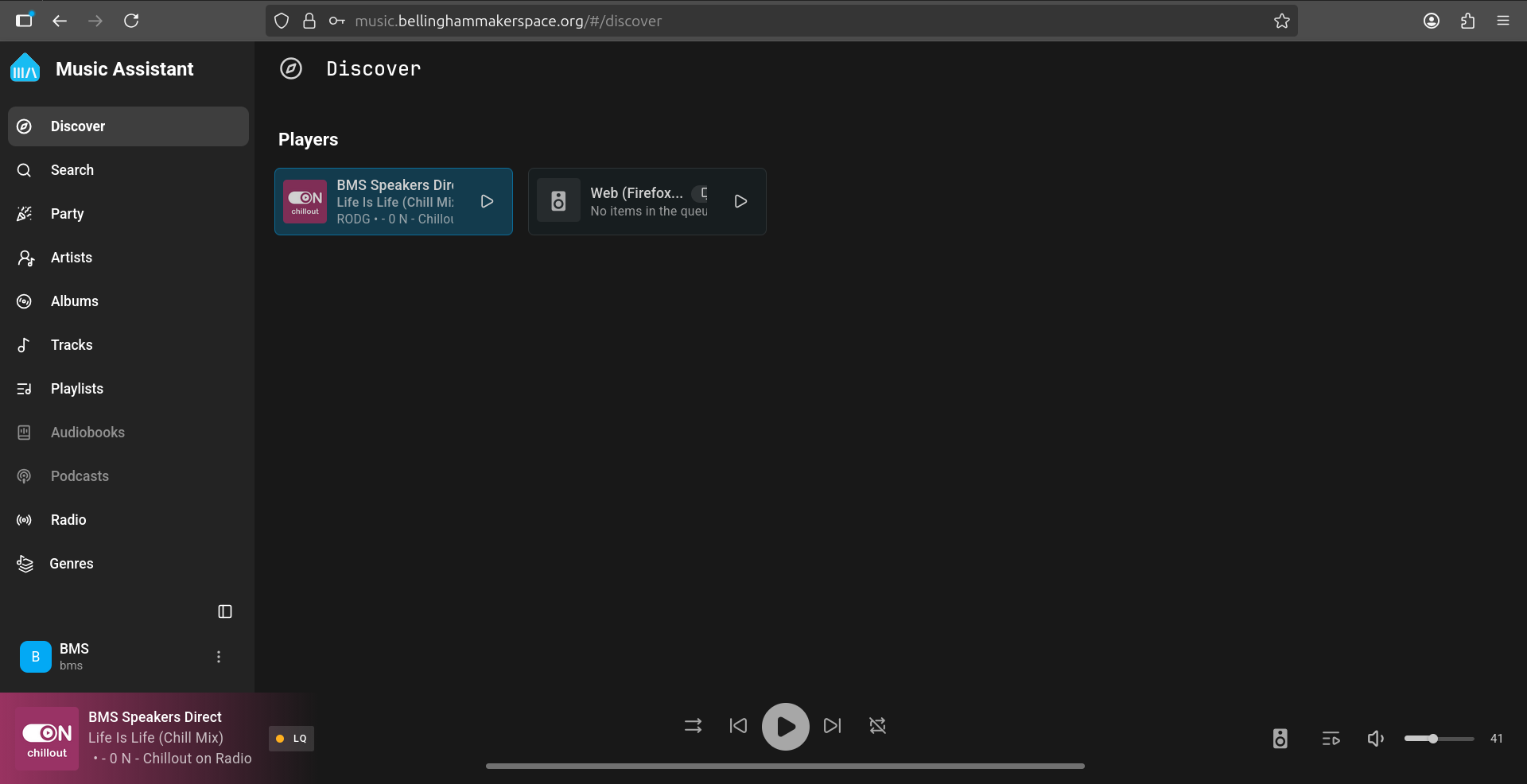
After signing in you will land on the Discover page, which shows the available players. The active player should be BMS Speakers Direct.
Station Selection
Go to radiosRadio (located in the bottomleft right)sidebar):
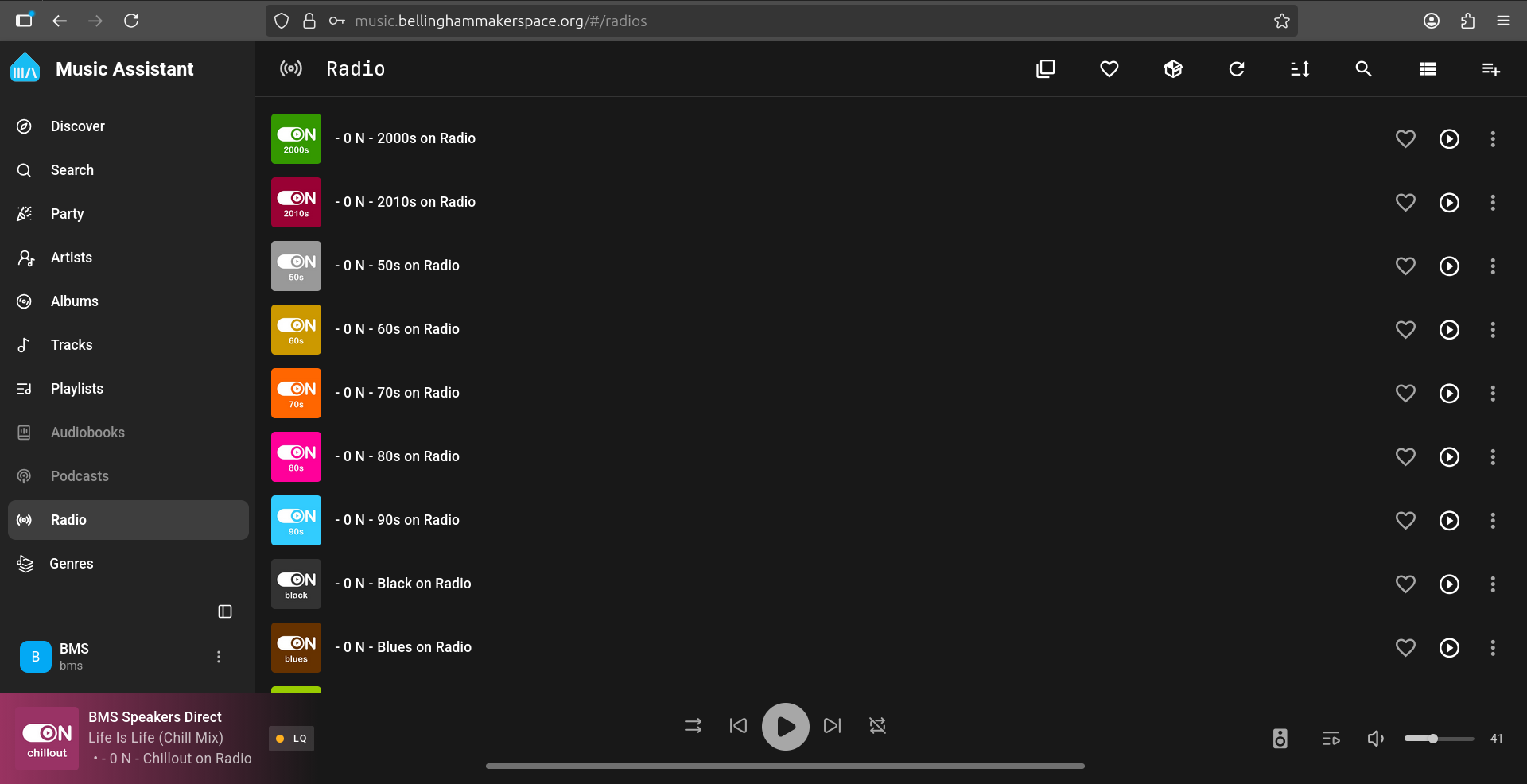
Find the station you want.
Selectand theclick stationon (image below in an example):it.
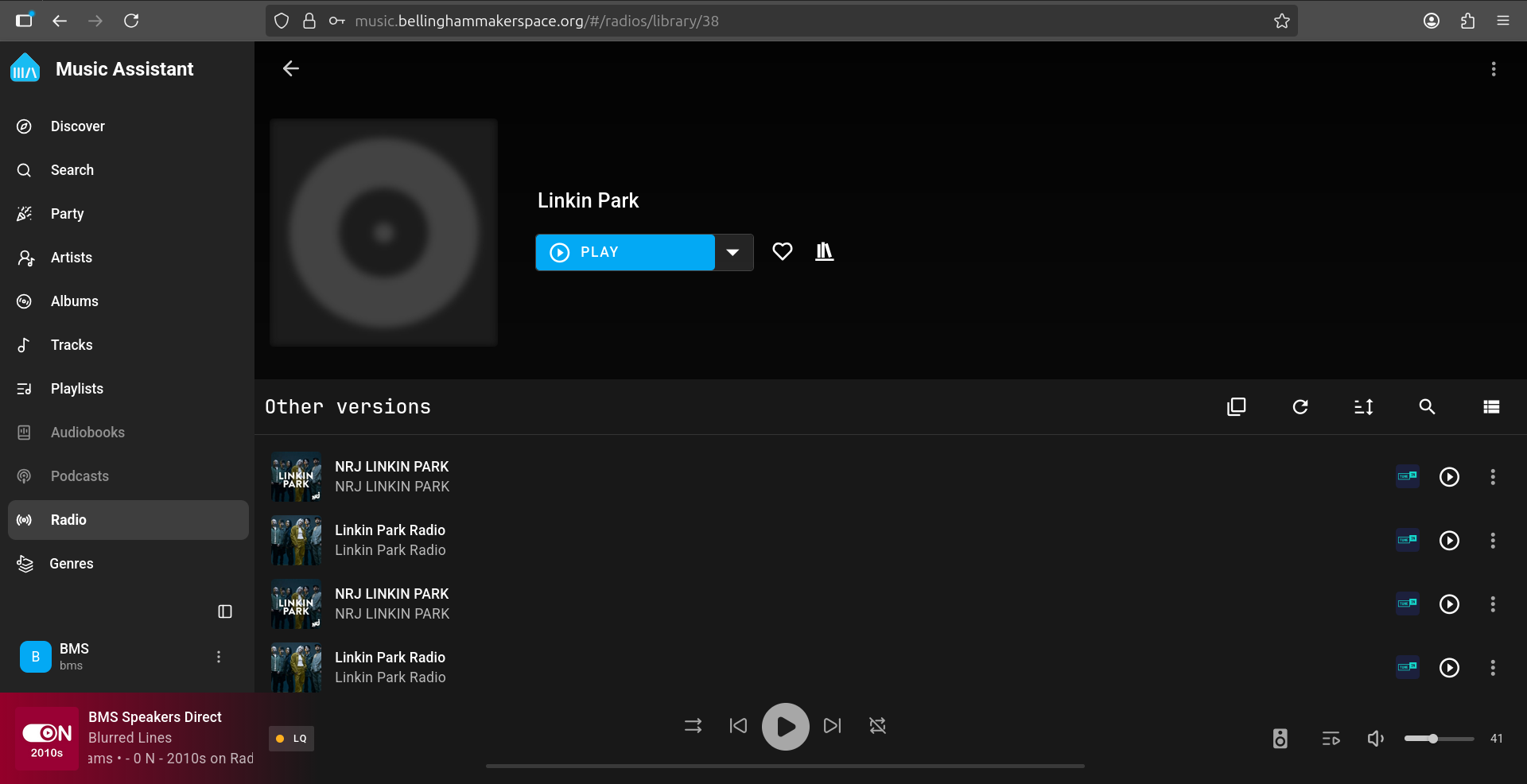
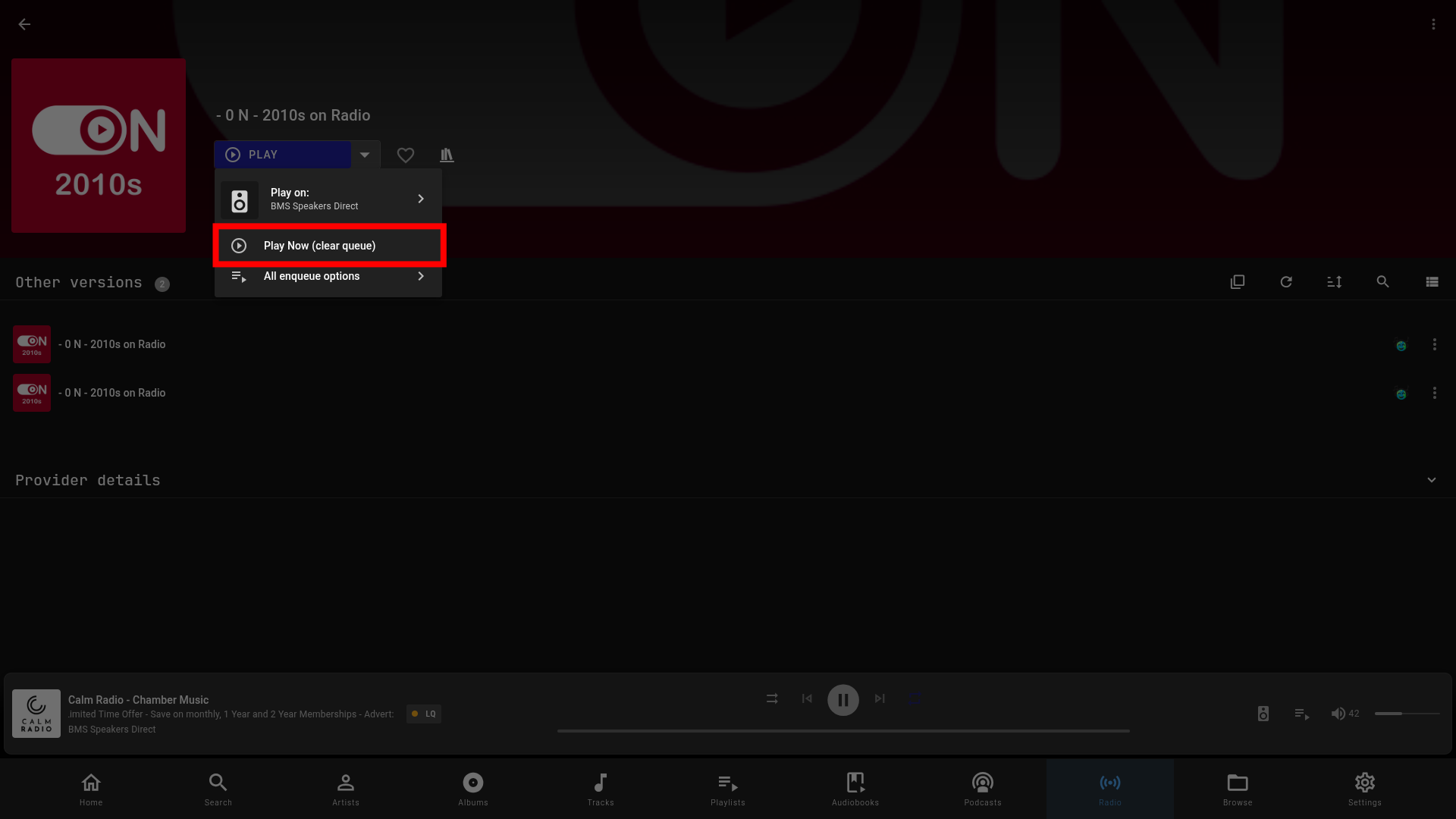
SelectClick stationthe dropdown (the arrow bynext to the blue "Play" button):button:
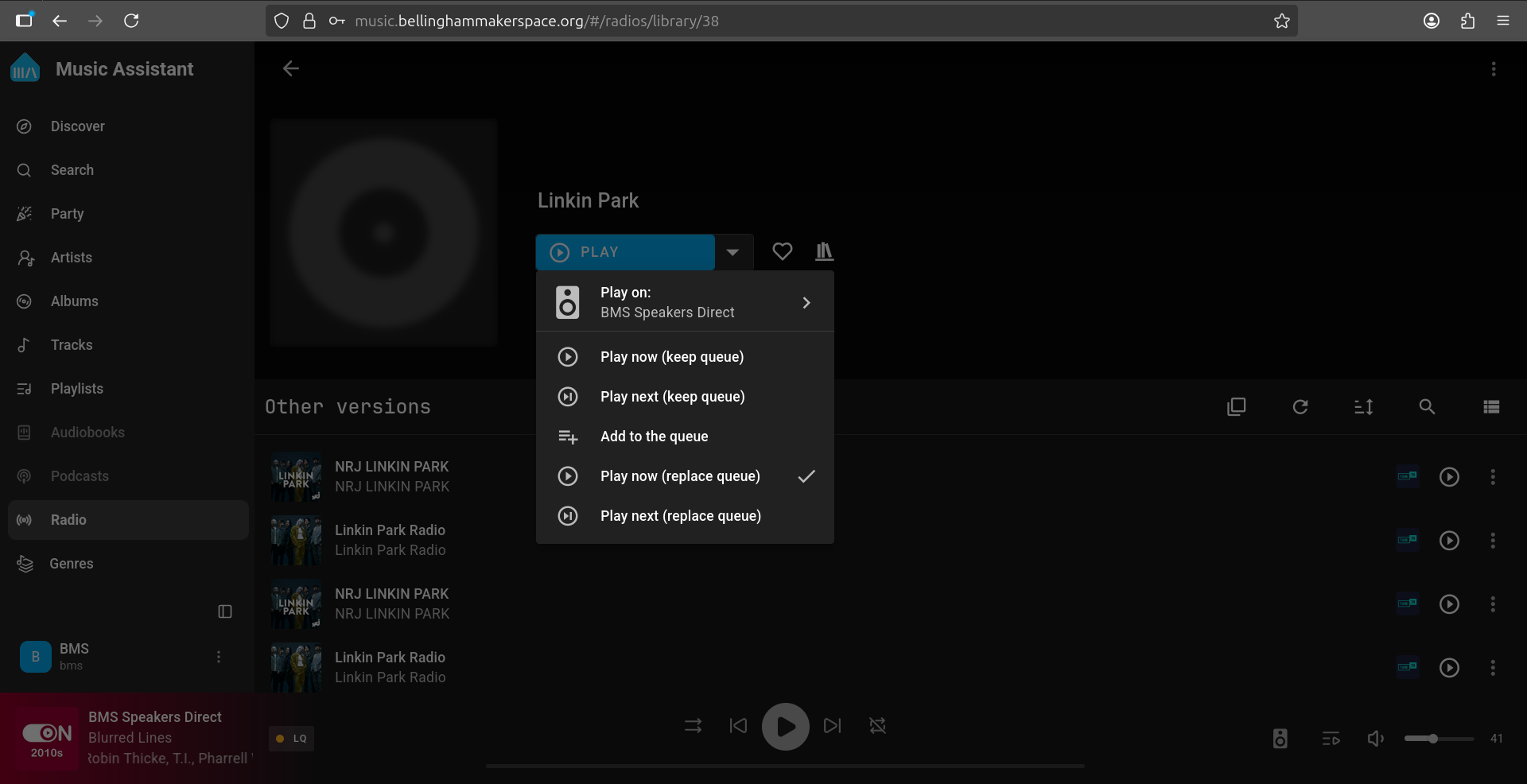
Select the correct speaker
(if not already selected)
SelectedAlready selected
If you see "Play On:on: BMS SpeakerSpeakers Direct", Clickclick "Play Now"now (keep queue)" or "Play now (replace queue)" to playstart music:playing:
Not Selectedselected
If youthe doplayer shown is not see "Play On: BMS SpeakerSpeakers Direct", Clickclick the "Play On:on:" dropdownrow to selectexpand speaker:the player list:
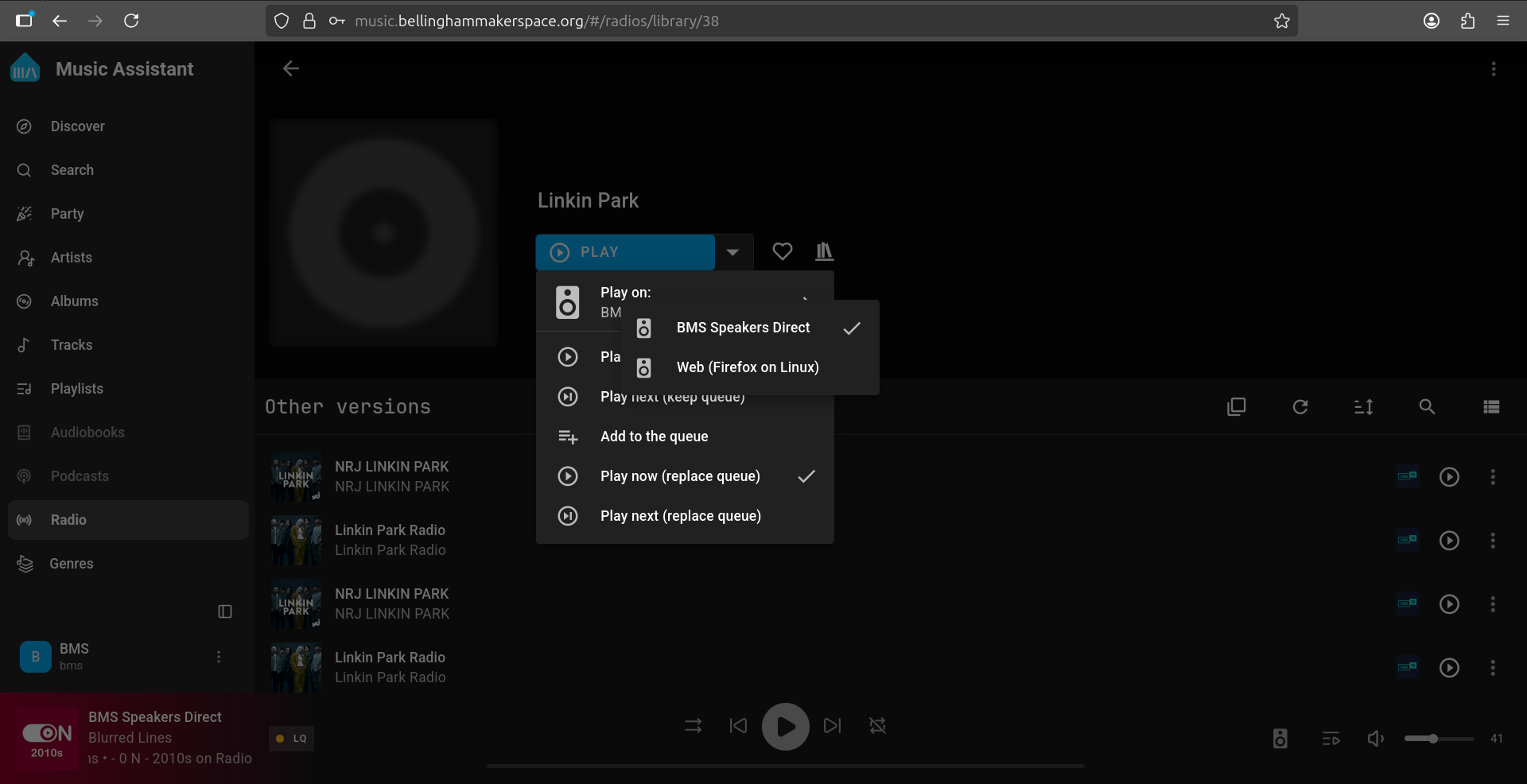
Select the "BMS SpeakerSpeakers Direct":
Now click "Play Now":now (replace queue)" or "Play now (keep queue)" to start the station.